Find a machine
ready to make music.
Compare the whole deal, not just the price. Here is what to ask before you buy.
A used MPC1000 can be a great way to get a hands-on sampler into your setup. Two listings that look similar can differ in pad condition, installed operating system, memory, storage and return terms. Start with the actual unit and its history, not a stock photo or a seller’s broad description.
Ask for the actual machine
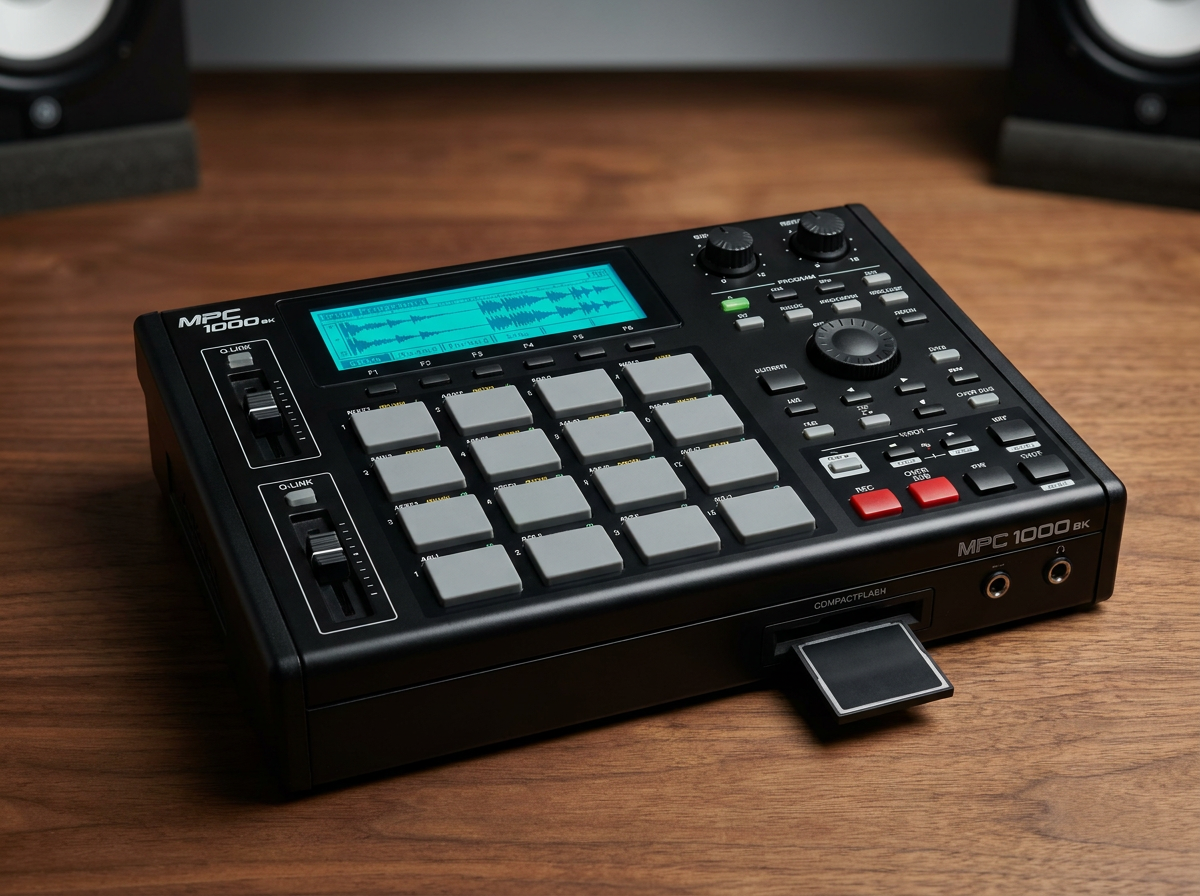
Request current photos of the top, front, rear panel and display. Ask for a short startup video showing the installed operating system and a demonstration of the pads, buttons, data wheel and Q-Link sliders. Check the photos against the listing and ask about repairs, missing feet, loose controls, display damage and any intermittent issues.
Test the pads and controls
Ask the seller to play every pad at soft and firm velocities, switch pad banks and demonstrate the transport, data wheel and buttons. Ask whether the pad sensors or pads were replaced and what parts were used. Do not assume the pad revision from the case color alone.
Identify the operating system
“JJOS installed” is a starting point, not a complete answer. Ask for the exact branch and version shown on the machine, whether saving is enabled, and whether the seller has changed operating systems. If you need to work with existing projects, check the compatibility of the branch before relying on it.
Separate RAM from storage
Ask how much sample RAM is installed and what storage is included. The original MPC1000 specification lists 16 MB of standard memory, expandable to 128 MB. A CompactFlash card is storage; it is not the same thing as installed RAM. If an internal drive or adapter is included, ask the seller to show it being recognized and used.
Check the card slot, audio and connections
Look for damage or bent pins in the CompactFlash slot. Ask for a demonstration that loads and saves using a known-good card. Test headphones, the left and right stereo outputs, recording inputs, sampling, MIDI and USB where those connections matter to your setup. Ask which cables and card are included.
Calculate the whole price
Compare the item price, shipping, taxes, import charges and potential repair costs. Check the stated voltage, power cable and return conditions, especially for an international purchase. A lower listing price is not necessarily a better deal once shipping and missing or untested features are included.
Ask these questions before paying
- Does every pad trigger consistently at different velocities?
- Which operating system, version and save access are on the machine?
- How much RAM is installed, and what storage is included?
- Can the seller demonstrate loading, saving, sampling and audio output?
- What repairs or upgrades have been made, and what is still untested?
- What are the total shipping, import and return terms for your location?
Compare your buying options
eBay: Check the listing condition, seller feedback, shipping and return terms. For a local pickup, arrange a demonstration and inspect the machine before confirming the handover. Eligibility for buyer protection depends on the transaction.
Reverb: Read the individual seller’s payment and return policies. Keep messages and payment on the platform and ask for current photos or video of the exact unit.
Local Facebook Marketplace: Arrange a safe meeting and a way to test power, pads and outputs before payment. Ask for a demonstration of any storage or upgrade included in the price. Check the current payment protections for the exact transaction, rather than assuming a local deal includes returns.
Explore used MPC1000 listings
Listings change. Read the individual description carefully: searches can include parts, accessories and machines sold for repair.
Explore MPC1000 listings on Reverb
Explore MPC1000 listings on eBay
Bring new ideas to your MPC1000 with AI
Use an AI tool on your computer to help plan a sound, a drum kit or a session. Work with audio you have the right to use, choose the sounds you like and prepare compatible files before transferring them to your MPC1000. Your hands stay on the pads, and you make the creative decisions.
The MPC1000 does not run the AI tool itself. With the stock operating system, Akai describes transferring files through the USB storage connection or a CompactFlash card, then loading them on the machine. Keep the program and its referenced samples together and check the instructions for your operating system.
Find a sound pack for your next session.